Audio
AirPods Pro 2: Small earbuds, considered compromises
Noise cancellation, useful controls and a pocketable case make a persuasive combination. The right choice still depends on your phone and your fit.
 DAMAO
DAMAOIndependent reviews. Considered choices.
A portable tablet for reading, sketching and travel. Its small format is the reason to buy it, and the limitation you need to accept.
Original editorial analysis based on published specifications and credited reporting. DAMAO has not performed hands-on or laboratory testing of this product. Model and software details matter; check the exact version before buying.
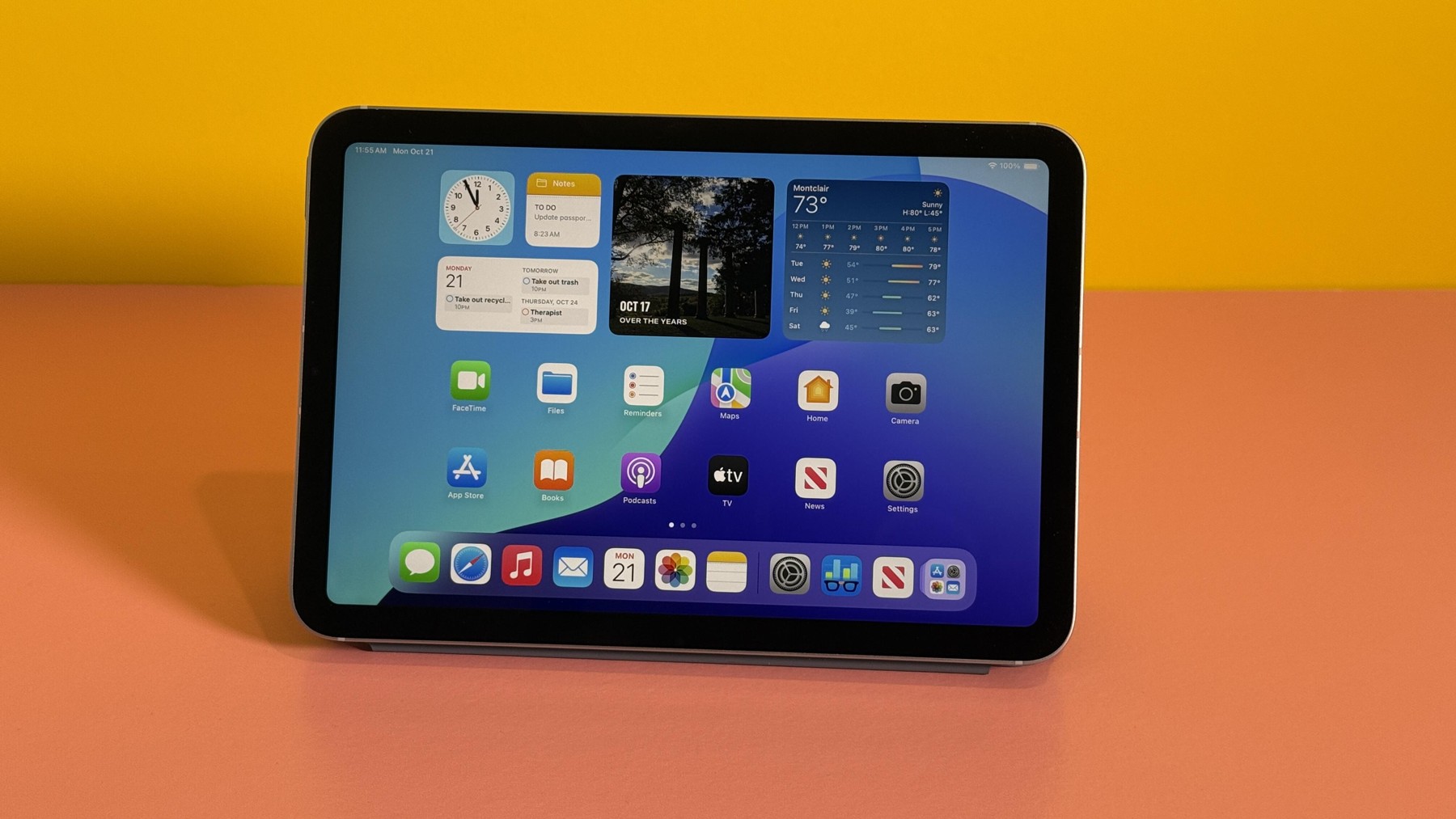
The iPad mini with A17 Pro, introduced in 2024, has a more specific job than a general-purpose laptop. It offers a compact place to read, draw and use tablet apps without carrying a larger screen. The useful question is not whether it is the most powerful tablet. It is whether you have a daily task that benefits from this particular size.
Apple specifies an 8.3-inch display and a 293-gram weight for the Wi-Fi version. That combination gives it a different role from a larger tablet on a desk. It can be the device you reach for when a phone feels cramped but a laptop feels excessive. A train journey, a recipe on a small counter or a quick visual note are plausible examples.
Small dimensions also impose a real cost. A page containing dense diagrams or several document columns needs more zooming. Side-by-side work has less room to breathe. If your existing tablet usually sits in a keyboard case, buying an even smaller one may solve the wrong problem. Think about the screen you need after opening your actual documents.
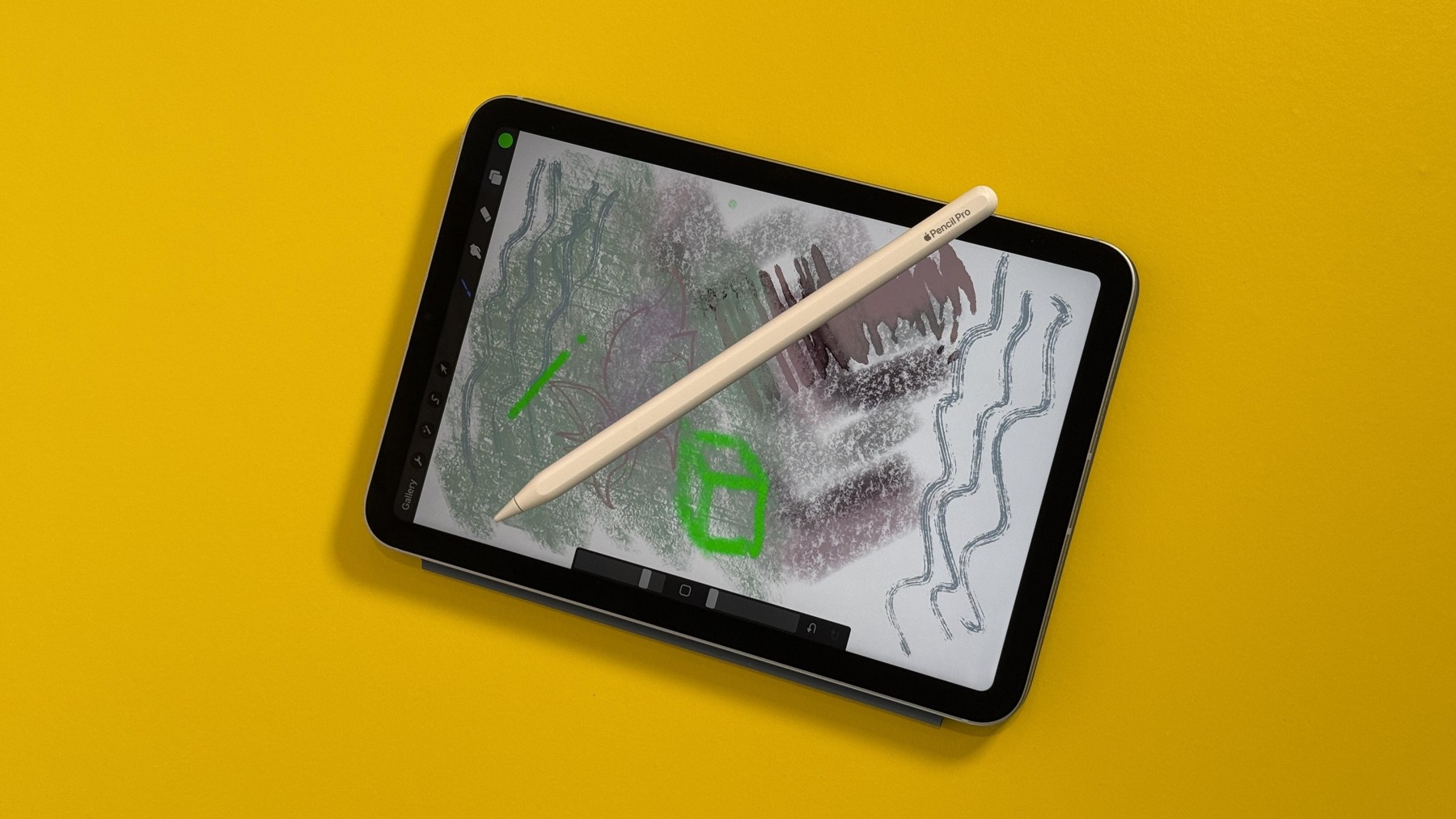
Support for Apple Pencil Pro makes the mini a candidate for handwritten notes and lightweight sketching. A compact canvas can be convenient for capturing an idea wherever you are. It is less suitable for someone who wants to rest a hand beside a large drawing or keep a full reference image visible while working.
The stylus is a separate purchase, and Pencil compatibility must be checked carefully. The A17 Pro mini is not a way to reuse every older Pencil. Include the correct stylus, case and any essential app subscriptions in the total before comparing it with another tablet. The tablet-only price is not the price of a complete note-taking setup.
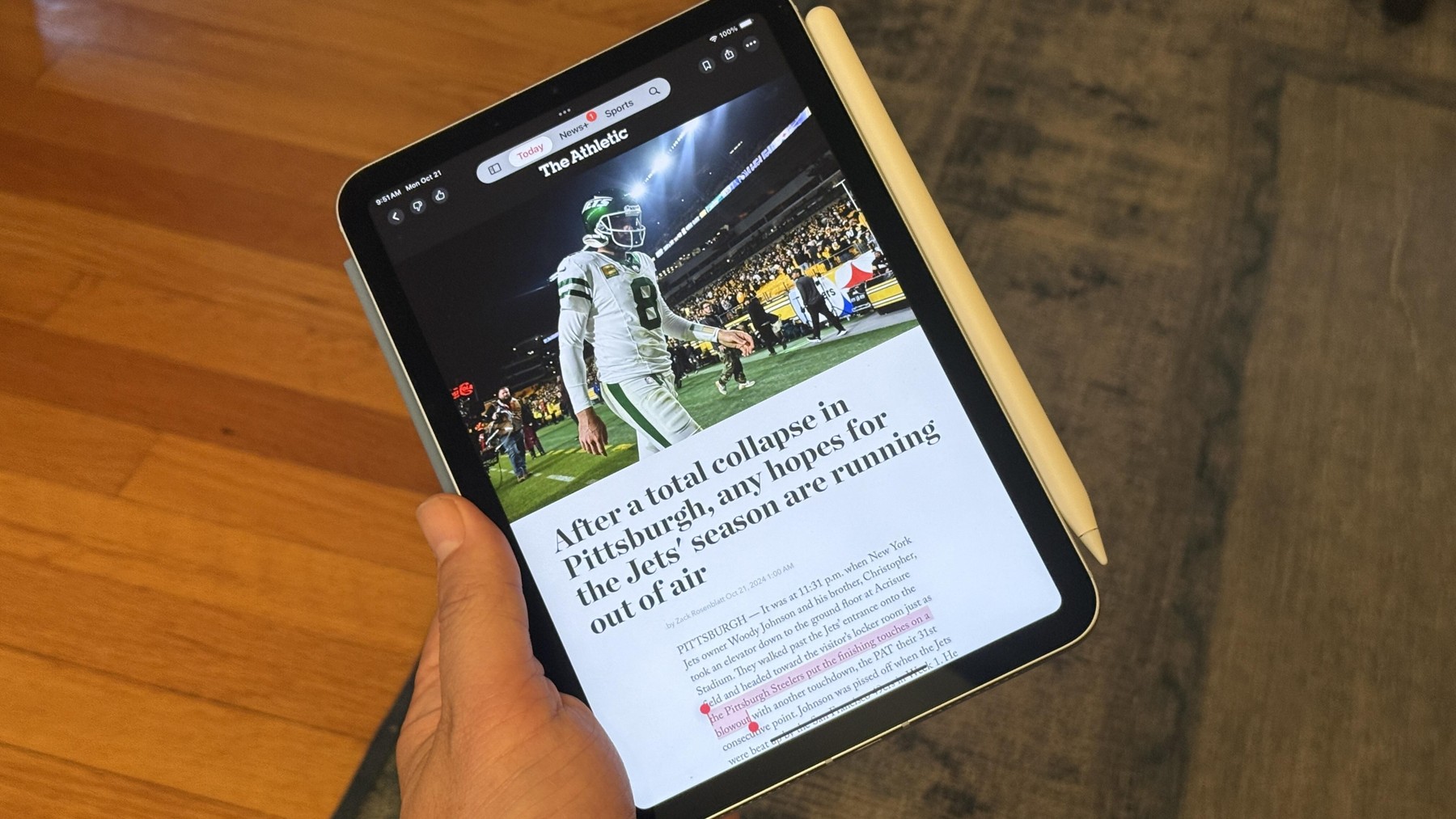
The A17 Pro chip and support for Apple Intelligence are listed features, but software capability varies with version, language and region. We would not choose a tablet around a promised future AI workflow. A better starting point is whether the apps you already need work in the way you expect on iPadOS.
A tablet app can look like its desktop relative while offering a different set of tools or file-handling options. Before treating the mini as a work computer, test the complete task: importing files, editing them, sending them to a colleague and finding them again later. A comfortable reading device can still be an inconvenient production machine.
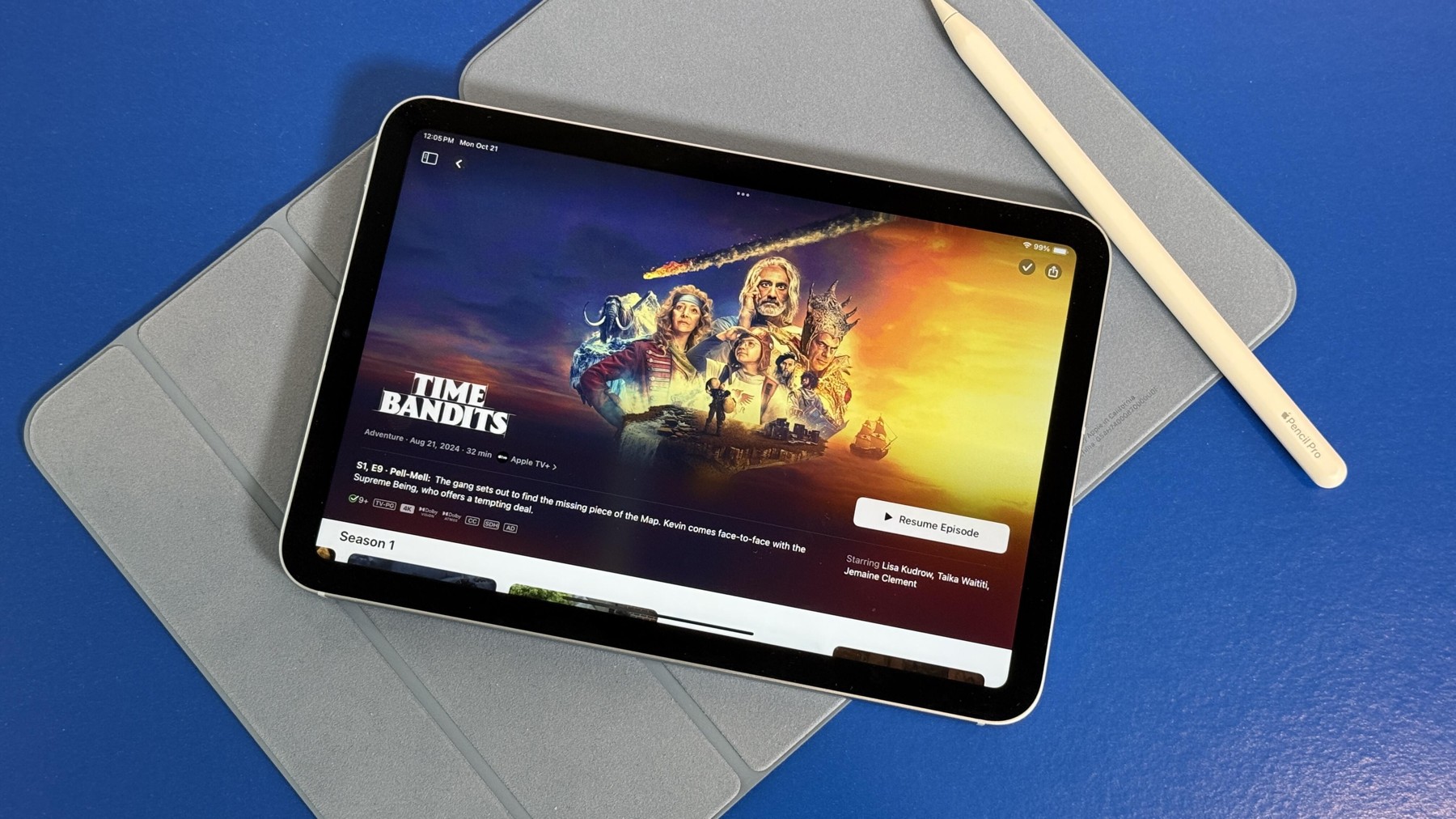
Storage needs depend on what remains offline. A reader who streams most media has different requirements from a traveler carrying large games, downloaded films and illustration files. Choose based on those files rather than on the broad idea of future-proofing. Storage cannot be expanded later by inserting a memory card.
The Wi-Fi and cellular versions also serve different routines. A phone hotspot may be sufficient for occasional travel, while an independent connection introduces its own service cost. Neither is universally better. A small tablet earns its place when it makes a repeated task easier, not when it duplicates every screen you already carry.
Choose it if compactness is your first requirement and you have a clear reading, note-taking or travel role for a second screen. Choose a larger tablet or laptop if long documents and keyboard work dominate.
The DAMAO verdict
The mini is persuasive as a deliberately small companion. It is harder to justify as a substitute for a desk computer. Buy the size because you need it, budget for the accessories you will actually use, and verify your apps before committing.
Published Oct 19, 2026. This is a source-based assessment of the model identified above. Pricing, software features and availability can change.
Corrections: damaohello123@damao.com
Noise cancellation, useful controls and a pocketable case make a persuasive combination. The right choice still depends on your phone and your fit.
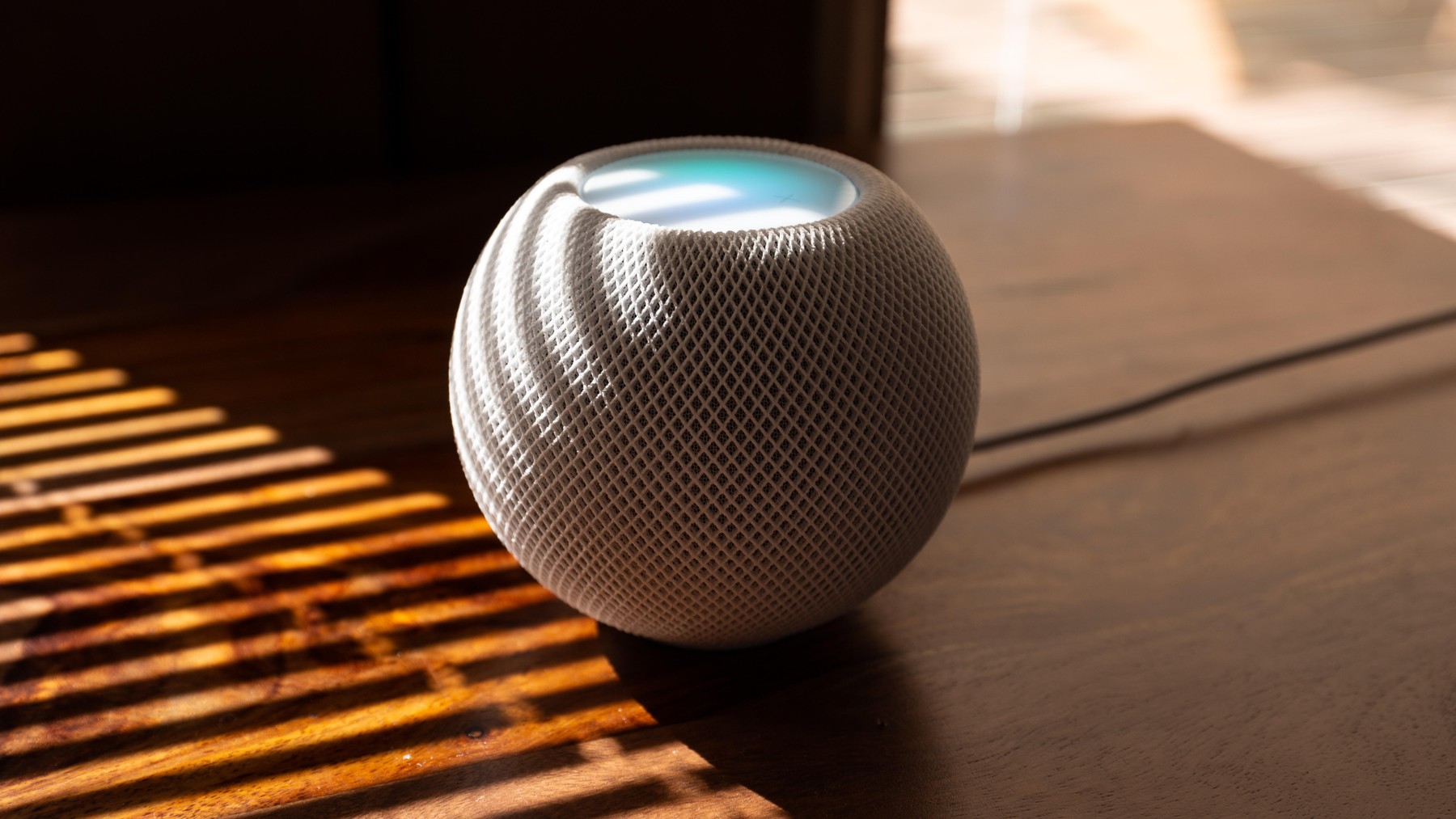
A compact Siri speaker can make sense in an Apple household. Compatibility and listening habits matter more than the small footprint.
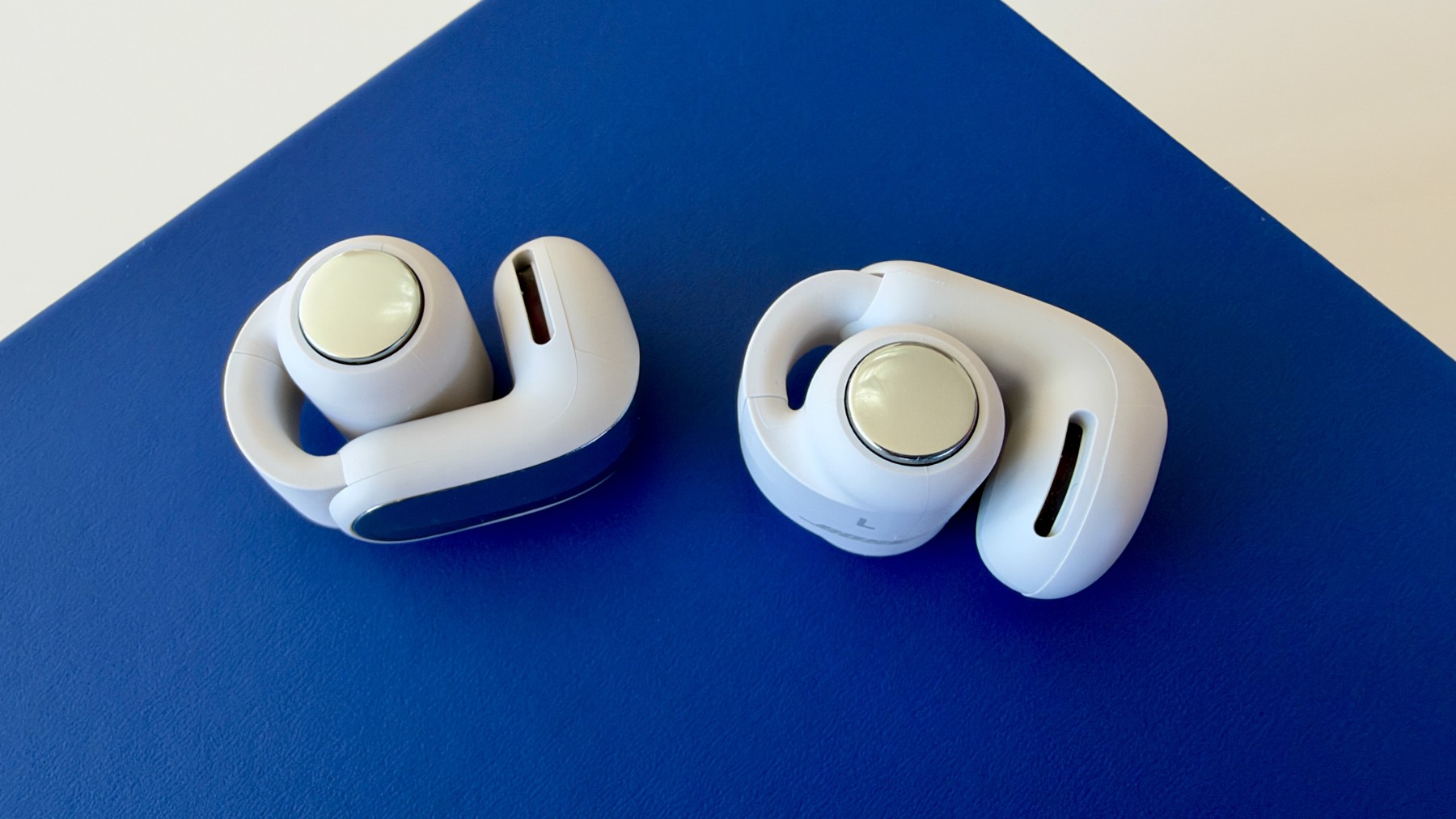
Clip-on earbuds take a different approach to daily audio. We weigh the open fit, shared-space tradeoffs and the case for a premium pair.